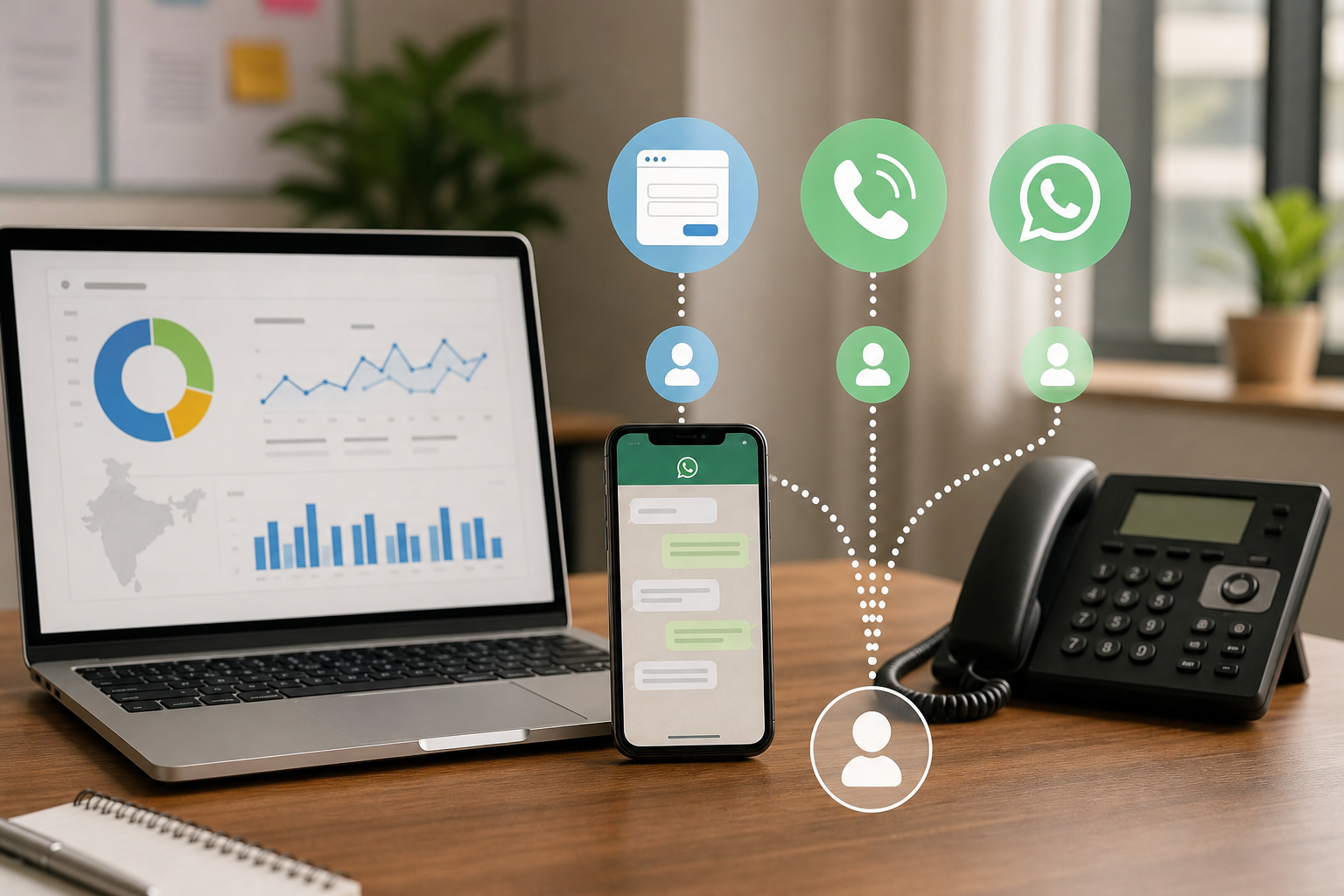
Service businesses often generate leads through a mix of forms, calls and WhatsApp, but GA4 only becomes useful when each interaction is tracked consistently and connected to acquisition data. This guide explains the setup, reporting model and validation process.
A service business can receive enquiries from a website form, a phone call, a Google Business Profile listing, an Instagram campaign and WhatsApp, yet its monthly report may show only sessions and a confusing number of conversions. The problem is usually not a lack of traffic. It is that each lead path is being measured differently, and many reports count an interaction as a lead before a person has actually made contact.
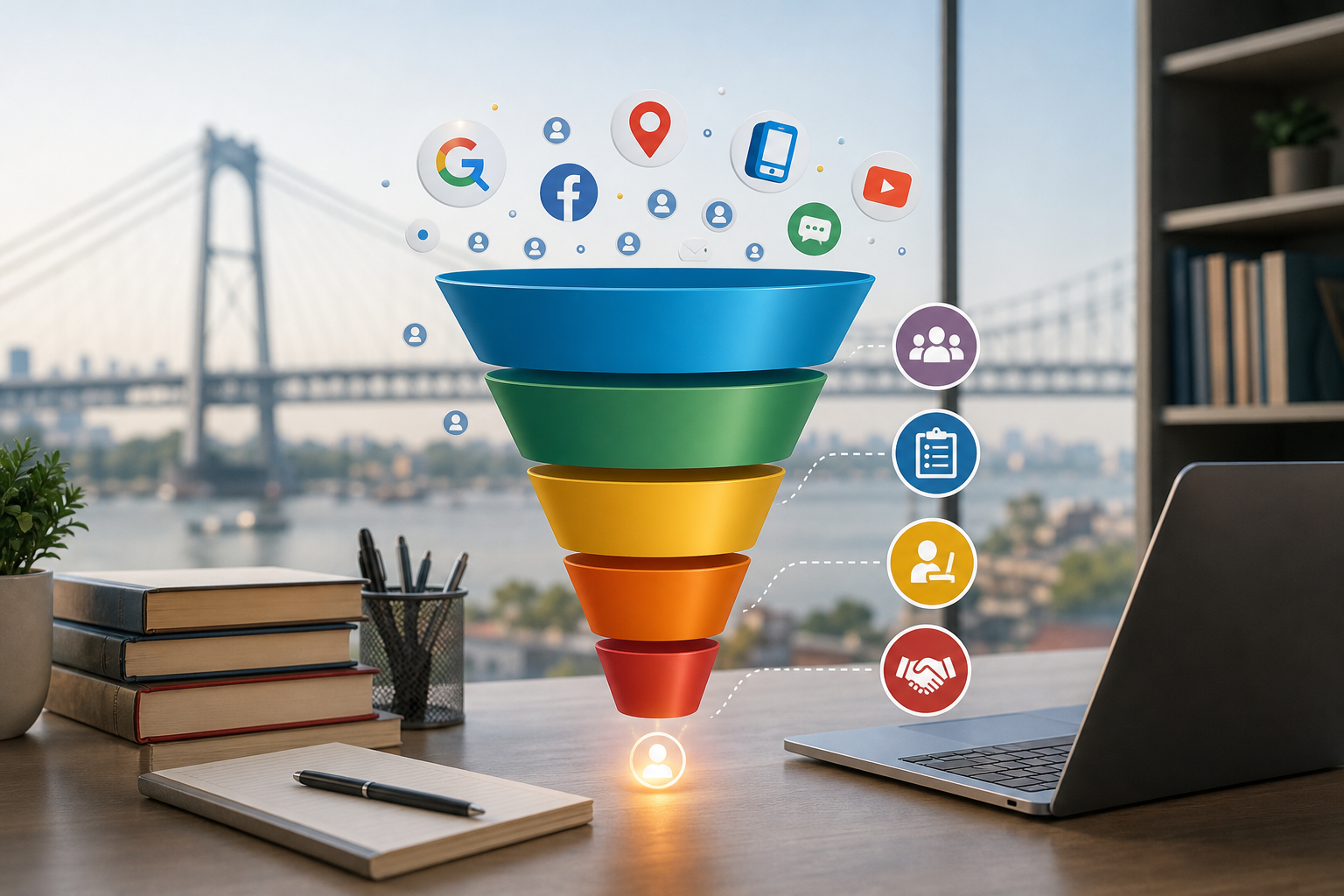
GA4 lead tracking for service businesses works best when it separates three things: the marketing source that brought the visitor, the action that indicates intent, and the business outcome that proves lead quality. This guide explains how to build that framework for forms, calls and WhatsApp without treating every button click as a successful enquiry.
Start by defining what counts as a lead
Before opening Google Tag Manager or GA4, agree on the meaning of a lead. A website visitor who opens a contact section is not a lead. Someone who clicks a WhatsApp button has shown intent, but may not send a message. A person who submits a form has made a stronger enquiry, although the details may still be false, incomplete or outside your service area.
Use separate categories so the reporting remains honest:
| Interaction | What it tells you | Recommended treatment |
|---|---|---|
| Form submission | The visitor completed an enquiry form | Mark as a key event if the submission is successfully recorded |
| Click-to-call | The visitor tapped a phone link | Track as an intent event; use call tracking to confirm answered calls |
| Connected phone call | A call reached the business and met your defined conditions | Use call-platform or CRM data as the stronger lead outcome |
| WhatsApp click | The visitor opened a WhatsApp conversation link | Track as intent; confirm the actual conversation separately |
| Qualified lead | The business has contacted the person and confirmed a relevant opportunity | Store in the CRM or lead register and use for quality reporting |
| Booked or won customer | The enquiry produced a commercial outcome | Use CRM or offline revenue data for ROI decisions |
This distinction prevents a common mistake: reporting 100 WhatsApp clicks, 60 phone-number taps and 40 form completions as 200 leads when many of those actions may belong to the same visitors or may never have become conversations.
Prepare a measurement plan before implementation
Create a simple spreadsheet containing the event name, trigger, parameters, key-event status and business meaning. Use stable names such as form_submit, click_to_call and whatsapp_click. Do not create a different event name for every page unless the action itself is genuinely different.
Useful parameters include:
- form_id or form_name, such as dental-enquiry or consultation-form.
- service, such as dental implants, home renovation or legal consultation.
- location, such as Kolkata, Salt Lake or Howrah, where the business has meaningful service-area pages.
- lead_type, such as form, phone or WhatsApp.
- destination_number for businesses using more than one public phone or WhatsApp number. Use a non-personal label where possible.
- lead_id, a random internal identifier that helps match a form enquiry to the CRM without sending personal details to GA4.
Do not send names, phone numbers, email addresses, message text or other personally identifiable information as GA4 parameters. A lead ID should not contain a mobile number, email address or other information that identifies the person.
Also decide whether an event is a business outcome or an intent signal. A valid form submission may be a key event. A WhatsApp click may be kept as a normal event unless your team has a reliable process for confirming the conversation. This keeps the key-event count closer to the number your sales team can actually work on.
Set up form tracking around successful completion
Tracking a submit button click is weak measurement. A visitor can click the button when a required field is empty, when validation fails, or when the request is blocked by an error. Where possible, track the successful form response instead.
Preferred method: a reliable thank-you page
If the form redirects to a unique thank-you page after a successful submission, configure a Google Tag Manager trigger for that page view. Fire the GA4 event only on the relevant URL, and pass the form and service details if they can be identified safely. This method is easy to test and is less likely to count failed submissions.
Prevent duplicate counts if a visitor refreshes the thank-you page. Options include using a one-time redirect, storing a short-lived completion flag, or using a form platform’s server-side confirmation. A simple page-view trigger without duplicate protection can inflate conversions.
When the form submits without a page change
Many WordPress, JavaScript and embedded forms show a success message on the same page. In that case, use a GTM trigger based on a reliable success condition, such as a form plugin event, a confirmation element becoming visible, or a data layer event pushed only after the server accepts the form.
A CSS selector based only on the submit button is not enough. Test both a valid submission and an invalid attempt. Confirm that the GA4 event appears only after the success message or response is received. If an embedded form is hosted in an iframe, the parent website may not see its events. Use the form provider’s integration, cross-domain setup or a server-side notification instead of guessing from clicks.
Include a form identifier in the event. This lets you compare a short contact form with a detailed quotation form and identify whether one has a high volume of low-quality enquiries. If the form contains a service or location selection, capture the selected category without sending the person’s free-text message.
Track phone calls in two levels
Phone measurement has an important limitation: GA4 can record that someone clicked a phone link, but it cannot normally prove that the call was answered, how long it lasted or whether the caller was a genuine prospect.
Level one: click-to-call tracking
Use a GTM click trigger for links beginning with tel:. Send an event such as click_to_call with parameters for the page, service and displayed-number label. Test the main header, sticky mobile button, contact page and Google Business Profile landing page separately.
Some desktop users click a phone number from a laptop where no call is placed. A mobile user may tap accidentally or cancel immediately. Therefore, report click-to-call separately from confirmed phone leads. It is a useful directional signal, not a verified conversion.
Level two: connected-call measurement
If calls are commercially important, use a call-tracking platform or the business phone system to record answered calls, duration and, where lawful and appropriate, source information. Define a qualified call rule, for example an answered call longer than a chosen duration, while recognising that duration alone does not prove quality.
Use dynamic number insertion when source-level attribution is required. Make sure the replacement numbers are configured consistently across desktop and mobile and that important listings do not lose their permanent public number. Where the call platform supports GA4 or CRM integration, pass a non-personal call ID and outcome status rather than call recordings or conversation content into GA4.
For a small business without call software, maintain a simple call register with date, source where known, service, status and outcome. It will not provide perfect attribution, but it is better than treating every phone-number tap as a sale.
Measure WhatsApp without overstating the result
Track clicks on WhatsApp links from the website, including links using wa.me and links that open the WhatsApp application. The event can be named whatsapp_click and should include the service, page and destination label.
Different links may open different numbers or pre-filled messages. Use a destination label such as sales-main or clinic-consultation, not the full phone number. If a pre-filled message includes campaign or service information, record the service as a separate controlled parameter rather than sending the entire message to GA4.
Preserve the acquisition source before the visitor leaves the website. The click event can show which campaign led to the WhatsApp action, but GA4 cannot confirm that the person sent the message, received a reply or became a qualified prospect. Ask the sales team to record a lead ID or source label in the CRM, inbox workflow or shared lead sheet when the conversation becomes a real enquiry.
If the business uses several landing pages, include the page or service context in the link and keep the naming consistent. Do not create dozens of nearly identical event names such as whatsapp_click_kolkata and whatsapp_click_salt_lake. One event with a controlled location parameter is easier to report.
Use UTMs consistently across acquisition sources
GA4 can only attribute campaigns properly when campaign information reaches the site and is retained through the enquiry journey. Use a written UTM convention across Google Ads where applicable, social campaigns, email, referral partners, QR codes, local listings and offline promotions.
A practical structure is:
- utm_source: google, facebook, instagram, partner-name or local-listing.
- utm_medium: paid-search, paid-social, organic-social, referral, email or offline.
- utm_campaign: service-location-offer, using lower-case names and hyphens.
- utm_content: ad, creative, placement or landing-page variation when needed.
For Indian service-area campaigns, decide whether location belongs in the campaign name, ad group structure or a separate parameter. Avoid changing spellings between kolkata, Kolkata and calcutta. Consistent naming makes comparisons possible.
Check redirects, forms and payment or scheduling tools. A redirect may remove UTMs, while a cross-domain journey can create self-referrals or a new session. Use cross-domain measurement where the user moves to a separate domain that is part of the conversion path. Do not tag internal links with UTMs, as this can overwrite the original acquisition source.
Configure GA4 key events and useful reports
In GA4, mark only meaningful events as key events. A possible starting model is:
- form_submit: key event when the form submission is confirmed.
- click_to_call: normal event unless no call data is available and the business clearly labels it as an intent proxy.
- whatsapp_click: normal event until a reliable process confirms actual conversations.
- qualified_lead: key event only if it is imported from a CRM or other verified process.
Do not mark every micro-interaction as a key event. If button clicks, scrolls and form starts are all included, the conversion rate becomes difficult to interpret and advertising platforms may optimise towards weak actions.
Build a GA4 Exploration or Looker Studio report with these dimensions:
- Default channel group, source, medium and campaign.
- Landing page and page path.
- Service, location, form name and lead type.
- New versus returning user, where useful for the business model.
- Key events, event count and, separately, CRM stages such as contacted, qualified, booked and won.
Compare first-user acquisition with session-based reporting and data-driven attribution where enough data exists. First-user reporting helps answer which channel first introduced the person. Session reporting describes the visit that produced the action. Data-driven attribution distributes credit across eligible interactions. None of these views proves that one channel alone caused an offline lead.
Allow for reporting delays, consent-related data loss, browser restrictions and modelled data. Use GA4 for directional comparisons and trend detection rather than presenting a precise record of every customer journey.
Connect lead quality to the marketing source
Lead volume is only the first layer. A channel producing 40 form submissions may be less valuable than one producing 15 enquiries that are relevant, contactable and ready to book.
Generate a lead ID when a form is submitted and store it with the CRM record, spreadsheet row or helpdesk ticket. Where practical, store the original source, medium, campaign, landing page, service and location alongside it. For calls and WhatsApp, create a process for the staff member to add the source or campaign when the conversation is converted into a lead.
Use clear stages such as received, contacted, qualified, appointment booked, proposal sent, won and lost. Review the stages by source, not only total volume. Importing qualified or won outcomes into advertising platforms can improve optimisation, but only after the definitions and data quality are stable.
For ROI, use revenue or estimated value from the CRM. GA4 event counts alone cannot tell you whether a lead purchased, cancelled or was outside the service area.
Validate every journey before trusting the report
Run a structured test on Android, iPhone and desktop. Use Tag Assistant to inspect GTM firing, GA4 DebugView to check event names and parameters, and Realtime reports to confirm that the visit is arriving in the correct property.
- Accept or reject consent according to the site’s normal choices and test both paths.
- Submit a valid form and confirm one event only.
- Submit an invalid form and confirm that no successful submission event fires.
- Refresh a thank-you page and check for duplicate conversions.
- Click every phone placement, including sticky mobile buttons.
- Click each WhatsApp destination and confirm the intended number or label.
- Test redirects, embedded forms and pages with multiple forms.
- Check the source and campaign values after a UTM-tagged visit.
- Place a controlled test call or WhatsApp enquiry and match it to the business record.
| Problem | Likely cause | Practical check |
|---|---|---|
| Form events are missing | Wrong success trigger, iframe isolation or consent blocking | Inspect the form response and data layer; test after consent |
| Conversions are inflated | Button clicks, duplicate tags or thank-you refreshes | Test invalid submissions and count requests against GA4 events |
| Traffic is unattributed | UTMs were not added or were removed by redirects | Follow a tagged URL through every step and inspect the final page |
| Self-referrals appear | Payment, booking or subdomain configuration is incomplete | Review cross-domain measurement and unwanted referrals |
| Phone leads do not appear | Only tel-link clicks are tracked, or dynamic numbers are not configured | Test mobile and desktop separately and reconcile with the phone system |
| WhatsApp clicks appear but no leads exist | The click is being treated as a completed conversation | Keep the click as intent and add a CRM confirmation step |
Protect lead data and document ownership
Collect only what the reporting and sales process needs. Keep personal details in the form system or CRM, not in GA4 event parameters. Document the consent banner behaviour, retention settings, staff access and the reason each parameter exists. Limit access to lead-level data to people who need it for sales, support or reporting.
Assign an owner for monthly checks. Someone should review event counts against form emails, call records and WhatsApp enquiries, investigate sudden changes and record any website or tag-manager release that could affect measurement. A tracking setup without ownership will gradually become unreliable as forms, phone numbers and landing pages change.
Conclusion
The right GA4 setup for a service business is not a large list of conversions. It is a clear chain from acquisition source to customer action and then to lead quality. Track successful form submissions, record phone clicks separately from connected calls, and treat WhatsApp clicks as intent until a real conversation is confirmed. Keep UTMs consistent, avoid personal data in GA4 and connect lead IDs or source fields to the CRM wherever possible.
A realistic next step is to create the measurement spreadsheet, audit every form, phone link and WhatsApp link on the website, and implement one tested event for each lead path. After two to four weeks of clean data, compare not only enquiry volume but also contacted, qualified and booked outcomes. That comparison will give the business a more useful basis for budget decisions than GA4 conversion totals alone.
About Sanat Haldar
Sanat Haldar is a digital marketing consultant and website developer based in Kolkata, working across SEO, Google Ads, Local SEO, performance marketing and conversion-focused websites. For businesses working on Google Ads services, the relevant service page explains the approach, scope and next steps.