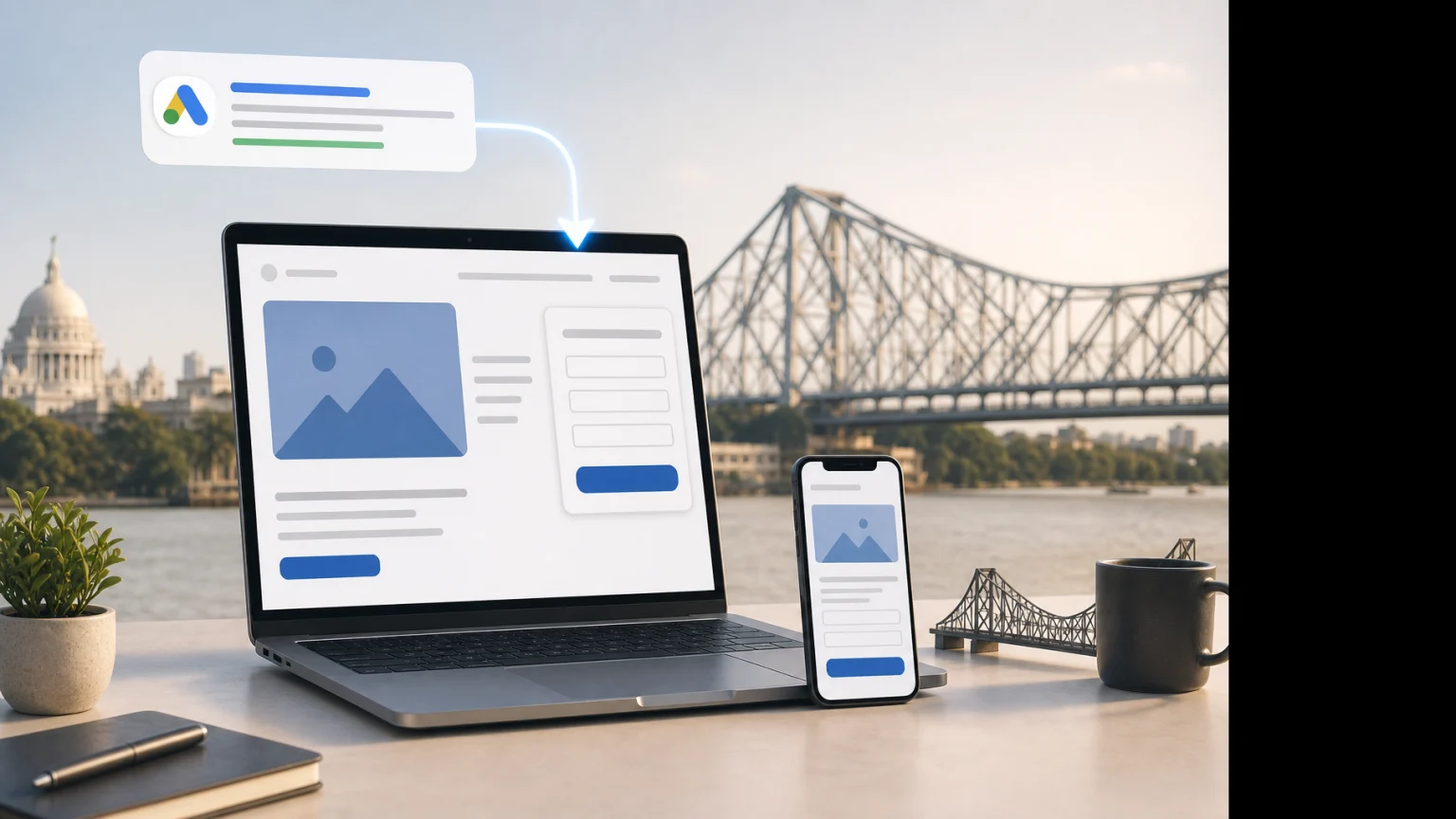
A Google Ads campaign can attract the right searcher and still lose the enquiry on the landing page. This practical guide explains how to improve message match, forms, trust, mobile experience and lead quality.
Your Google Ads campaign may be targeting the right keywords, sending visitors to a relevant page and receiving clicks. Yet the phone does not ring, forms remain incomplete, or the enquiries are from people outside your service area. In many cases, the problem is not the advertisement. It is the page that receives the click.
A landing page has a short window to answer three questions: “Am I in the right place?”, “Can I trust this business?” and “What should I do next?” If the answers are unclear, even well-intentioned visitors leave. This is especially common for local businesses in Kolkata, where a customer may be comparing providers by locality, appointment availability, service relevance and ease of contact.
Landing page optimisation for Google Ads leads is therefore not about making a page look attractive. It is about reducing uncertainty between the search, the promise in the advertisement and the enquiry process.
What makes a Google Ads landing page different?
A normal service page often tries to serve several audiences. It may explain the full business, list every service, include company information and support organic search visibility. A paid-search landing page has a narrower job: help a person who has already shown intent take the next sensible action.
That does not mean every campaign needs a separate page. A separate landing page is useful when the search intent, offer, audience or location is meaningfully different. For example, a clinic may need distinct pages for a specific treatment and general consultation searches. A general “Our Services” page is unlikely to be the strongest destination for both.
The page should match the visitor’s immediate question rather than forcing them to navigate through the entire website.
Start with message match, not design
Message match means that the wording and intent of the advertisement continue naturally on the landing page. If a person searches for “emergency dental appointment in Kolkata”, the page should quickly confirm the relevant service, location and next action. A vague headline such as “Complete Dental Care for Your Family” may sound professional, but it does not immediately confirm the specific need.
Review the path from query to enquiry:
- Search term: What is the person actually trying to find?
- Ad: What promise, service or qualification encouraged the click?
- Landing page: Where is that promise confirmed?
- Form or call: Is the next action as simple as the advertisement suggests?
For example, if the ad promotes “same-week skin consultation in Salt Lake”, the landing page should not open with a generic agency-style introduction. It should clarify the consultation, the service area or clinic location, availability information where it is accurate, and how to request an appointment.
Do not copy the keyword into every heading without thinking about meaning. The useful question is whether the visitor can recognise the page as a relevant answer within a few seconds.
Build the first screen around one decision
The first screen is the content visible before the visitor scrolls. It should make one primary decision easy. That decision might be booking a consultation, requesting a quotation, calling the business or submitting an enquiry.
A practical first-screen structure usually contains:
- A specific headline that reflects the service and audience.
- A short explanation of what the visitor can expect.
- One prominent primary action, such as “Request a consultation” or “Call for availability”.
- A relevant image or visual, if it helps the visitor understand the service.
- One or two trust signals close to the action.
Multiple competing buttons create hesitation. A page can still offer a phone number and a form, but one should be clearly primary. If phone calls are valuable for the business, the number should be easy to tap on mobile. If enquiries need qualification before a response, the form can take priority.
A strong call to action is also specific. “Submit” describes the technical action, not the benefit or next step. “Request a callback” or “Check consultation availability” sets a clearer expectation, provided the business can actually follow through.
Design the page around lead quality, not only conversion rate
A higher form completion rate is not automatically a better result. Suppose a business removes every qualification question and uses a short form with only a name and mobile number. More people may submit it, but the sales team may receive incomplete, irrelevant or unserviceable enquiries.
Lead quality should influence the form design. Ask only for information that helps the business respond properly or decide whether the enquiry is relevant. Depending on the service, useful fields may include:
- Name and mobile number.
- Service required.
- Preferred location or locality.
- Preferred appointment or contact time.
- Approximate project requirement or budget range, where appropriate.
- A short description of the need.
Do not ask for every detail at the first step. A legal, medical or high-value service may require more qualification than a simple local repair enquiry, but a long form can discourage genuine prospects. Use the minimum information needed for a useful first conversation.
For Kolkata campaigns, service-area fields deserve particular attention. A business serving only certain parts of the city should make that clear before the visitor submits a form. This can reduce wasted follow-up from people who are too far away and set more accurate expectations.
Use trust signals that answer the visitor’s actual concern
Trust is not created by adding a row of generic badges. The right evidence depends on the service and the risk the visitor feels.
A patient may want to know who provides the service, where the clinic is located and how to request an appointment. A company looking for website development may want to understand the process, deliverables, communication and previous work. A homeowner may care about service coverage, response time and quotation clarity.
Useful trust elements can include:
- Clear business identity, address and contact details.
- Relevant qualifications or professional information where applicable.
- Specific service areas and working hours.
- Realistic process steps, such as enquiry, discussion, quotation and delivery.
- Genuine reviews or testimonials that are presented accurately.
- Examples of relevant work, without implying results that cannot be verified.
- Transparent information about what happens after the form is submitted.
Keep claims careful. “Our team will contact you” is useful only if someone actually responds within the stated expectation. Avoid unsupported promises such as potential leads, support appointments or support outcomes.
Make mobile contact and speed part of the conversion path
Many Google Ads visitors will view the page on a mobile phone. A page that looks acceptable on a desktop can still create friction on a small screen: buttons may be difficult to tap, the form may require excessive scrolling, or a pop-up may cover the enquiry option.
Check the page using a real mobile device, not only a browser preview. Look for:
- Whether the headline and primary action are visible without excessive scrolling.
- Whether the phone number is tap-friendly.
- Whether form fields open the correct mobile keyboard.
- Whether the button remains visible after the visitor reads the key information.
- Whether consent or privacy text is readable without blocking the form.
- Whether images, scripts and third-party tools delay the page.
Speed matters because a visitor cannot enquire from a page that has not loaded properly. Before redesigning everything, identify the actual causes of delay. Large images, unnecessary tracking tools, heavy page builders and poorly configured hosting can all contribute. Improvements should be tested rather than assumed.
Connect the landing page to accurate conversion tracking
Optimisation becomes guesswork when the business measures only clicks or form submissions. A useful setup should distinguish between actions that indicate interest and outcomes that matter commercially.
Depending on the campaign, track relevant events such as:
- Completed enquiry forms.
- Phone calls from advertisements and the landing page.
- Click-to-call actions on mobile.
- Appointment or quotation requests.
- WhatsApp or other contact actions, if they are part of the sales process.
- Qualified leads and, where possible, booked or paid customers.
A conversion event should fire when the intended action actually happens. A button click is not always a completed form. Similarly, a phone-number click does not confirm that a conversation took place.
For lead generation, the advertising account should eventually receive better information about lead quality, not only lead volume. If the sales team marks which enquiries were relevant, reachable and commercially useful, that information can guide campaign and landing page decisions. The exact tracking method depends on the website, CRM and Google Ads setup, so it should be checked before changes are published.
Match the page to the type of Google Ads traffic
Not every click arrives with the same level of intent. A person searching for a specific service near a locality may be ready to contact a provider. A broader research query may need more explanation before the visitor is ready to enquire.
Consider the relationship between the keyword and the page:
| Search intent | What the page should emphasise | Possible primary action |
|---|---|---|
| Specific service and location | Relevance, service area, availability and contact ease | Call or request an appointment |
| High-value project enquiry | Process, scope, proof of capability and qualification | Request a consultation or quotation |
| Problem-focused search | Diagnosis of the need, suitable service and next steps | Discuss the requirement |
| Broad research search | Useful explanation, comparison and a low-friction next step | Ask a question or request information |
Sending every keyword to one page usually makes the page too broad for some visitors and too narrow for others. Group campaigns and landing pages by a meaningful intent, not by minor wording variations alone.
Test the parts most likely to affect enquiries
Testing should answer a business question. Changing colours repeatedly without a hypothesis rarely creates useful learning.
Prioritise tests such as:
- Specific service headline versus a broad brand headline.
- Short form versus a form with one useful qualification field.
- Appointment-focused call to action versus a generic contact button.
- Phone-first layout versus form-first layout.
- Locality-specific page copy versus city-wide wording where the service area differs.
- Process explanation near the form versus lower on the page.
Do not judge a test too quickly from a small number of enquiries. Lead quality, call handling and sales follow-up can change the result. Also check whether the traffic mix, search terms, budgets or location targeting changed during the same period. A landing page test is difficult to interpret when several campaign variables move at once.
Common landing page mistakes in Google Ads campaigns
Sending paid traffic to the homepage
The homepage may be useful for brand visitors, but it often presents too many choices. A dedicated service page is usually easier to align with a specific advertisement.
Using one page for unrelated services
A page for dental implants, routine cleaning and emergency appointments may be convenient to manage, but each visitor may need different proof and next steps.
Hiding the location
Local customers want to know whether the provider can actually serve them. Mention the relevant Kolkata locality or service area where it changes the decision, without creating thin pages with barely different wording.
Promising a response that the team cannot deliver
A strong form is wasted if enquiries are not answered promptly or routed to the right person. Lead handling is part of landing page performance.
Optimising for cheap leads
A low cost per lead can look positive while the business spends time on unsuitable enquiries. Review qualified enquiries, booked appointments, quotations and sales alongside the advertising metrics.
A practical review process before increasing Google Ads spend
Before raising the budget, review the complete path rather than assuming more traffic will fix the problem:
- Read the actual search terms and group them by intent.
- Compare each ad’s promise with the first screen of its landing page.
- Check whether the service, locality and customer expectation are clear.
- Complete the form on a mobile phone and test every contact method.
- Confirm that conversions are recorded accurately.
- Ask the sales or reception team which enquiries are useful and which are not.
- Choose one high-impact change and define how it will be judged.
If the page receives relevant traffic but very few meaningful actions, landing page changes may deserve priority. If the page converts but the enquiries are poor, improve targeting, qualification and message clarity together. If tracking is unreliable, fix measurement before making confident budget decisions.
Conclusion
Landing page optimisation for Google Ads leads is best treated as a connection problem: the search intent, advertisement, page content, form and follow-up must all tell the same story. A visually polished page cannot compensate for a vague offer, unclear service area or difficult contact process.
For most local campaigns, the priority is to make the first screen specific, make the next action simple and qualify enquiries only as much as the business genuinely needs. Then measure useful leads rather than celebrating every form submission.
Before increasing spend in 2026, review one important campaign from the search term to the final sales response. Identify the largest point of friction, make one controlled change, and check both conversion data and lead quality before deciding what to optimise next.
About Sanat Haldar
Sanat Haldar is a digital marketing consultant and website developer based in Kolkata, working across SEO, Google Ads, Local SEO, performance marketing and conversion-focused websites. For businesses working on web development services, the relevant service page explains the approach, scope and next steps.